Start with your exact gear
Start with your exact gear. Compare the information published for the exact item and keep the product name or SKU for reference.
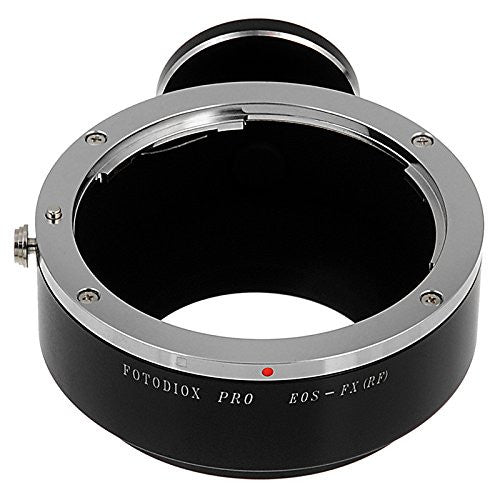
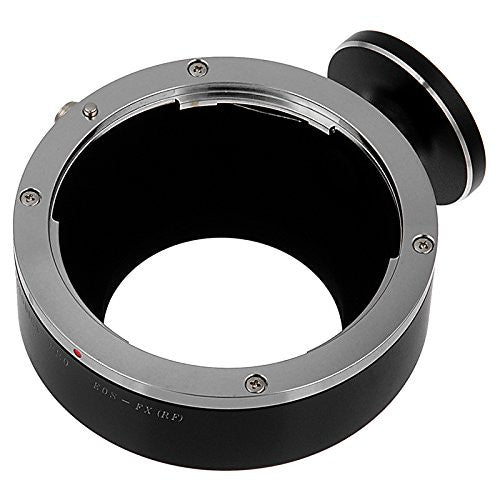
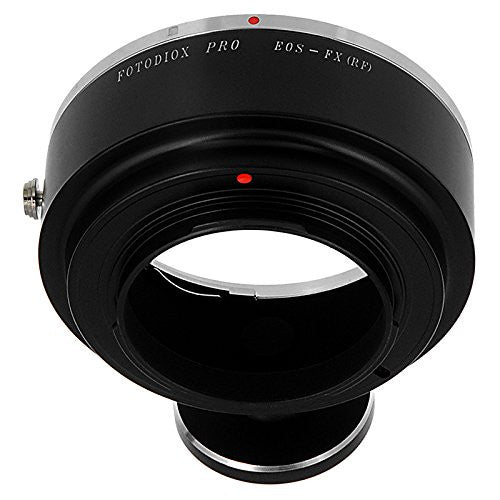
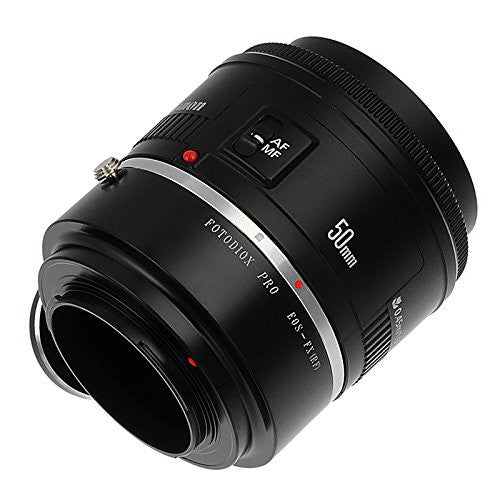
$59.95
Free standard US shipping
Contiguous 48 states & DC · 4–7 business days total
30-day returns
Merchant-paid return shipping. Read the policy
Questions about this item? [email protected]
Product brand: Fotodiox, Inc. USA
The details
Features:
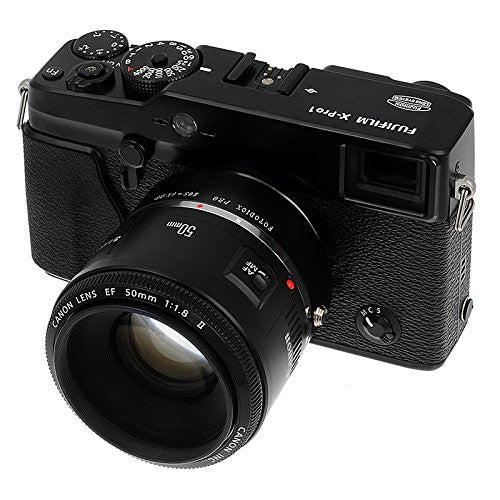
Mounts Canon EOS (EF / EF-S) D/SLR Lenses to Fujifilm X-series mirrorless cameras; infinity focus or beyond guaranteed
Enhanced craftsmanship and high-tolerance construction for demanding professionals
Precise fit and solid connection; lens has no play, gap or wiggling when mounted on adapter and no adjustments required
Precision all-metal construction with chrome plated brass mounts for secure and solid fit
24-Month Fotodiox warranty
Mirrorless cameras aren't only revolutionary because of their compact size; they're even more versatile for mounting lenses than their full-sized counterparts! Fotodiox offers strong support for mirrorless camera platforms with hundreds of options for mounting both modern and vintage lenses. Our adapters deliver infinity focus, manual aperture control, and a sturdy build for lasting quality.
Lens Mount:
Canon EOS (EF / EF-S) D/SLR Lens
Body Mount:
Fujifilm X-Series Mirrorless Camera Body
Manufacturer:
Fotodiox Inc.
Warranty:
24 Months
Note:
• This is a manual adapter, so lens functions that rely on electronic communication with the camera body (autofocus, AE metering, image stabilization, etc.) will be disrupted.
• Some cameras need to be set a certain way to work with our adapters or you may get a message such as 'Error Lens Not Attached – Check lens'. Please check the
support articles on the Fotodiox Knowledge Base for possible solutions
on a variety of camera brands.
•
'Focus-By-Wire' lenses (such as Canon's STM or Nikons AF-P)
requires power to engage the manual focus rings on the lens, since manual lens mount adapters do not power the lens, those lenses will not be able to focus.
• Set your exposure manually or meter using your camera's Aperture Priority (stop-down) mode.
• If your lens does not have a manual aperture control ring, the lens aperture will revert to its default position, which depending on the lens is either stopped down to its largest f-stop or opened up to its smallest f-stop.
• To determine what the new 'Crop Factor' or 'Equivalent Focal Length' of the lens when used on your camera will be,
please check the Fotodiox Knowledge Base article
.
• To remove the adapter, move the release lever (circled in red) in the direction of the red arrow:
All pictures are for illustration purposes only. Actual product may vary slightly due to ongoing improvements in design.
Know the fit
Mirrorless cameras aren't only revolutionary because of their compact size; they're even more versatile for mounting lenses than their full-sized counterparts! Fotodiox offers strong support for mirrorless camera platforms with hundreds of options for mounting both modern and vintage lenses. Our adapters deliver infinity focus, manual aperture control, and a sturdy build for lasting quality.
• To determine what the new 'Crop Factor' or 'Equivalent Focal Length' of the lens when used on your camera will be,
Choose & use with care
Start with your exact gear. Compare the information published for the exact item and keep the product name or SKU for reference.
Confirm the mount and dimensions. Check the selected listing and variant, including the supplied components before ordering.
Check setup and load specifications. Use the directions supplied for your selected item. Contact support if an important detail is missing.
Follow the instructions supplied for the exact product. Features, limits and care directions are specific to the selected model.
Order preparation takes 1–3 business days, followed by 3–4 business days in transit: 4–7 business days in total. Standard shipping is free to the contiguous United States and DC, with no minimum order.
Request a return within 30 calendar days after delivery. We pay return shipping. After receipt, inspection and initiation of an approved refund take 5–7 business days.
Before you decide
Start with your exact gear. Read the actual item description, included parts and options. The collection contains different models; a feature stated for one item should not be assumed for every product.
Confirm the mount and dimensions. Compare the dimensions and compatibility stated for the selected item with the space or equipment you intend to use. If a required measurement is absent, send the product name or SKU to [email protected] before purchasing.
Available choices are shown on the individual product page. Select the actual option labels before adding a variable product to your cart. Photos and specifications should be read together with that choice; availability is specific to the selected configuration.
Check setup and load specifications. Follow the instructions supplied for the exact model. Do not assume that all items have the same materials, installation method, care directions or intended use.